
What changes for your team?
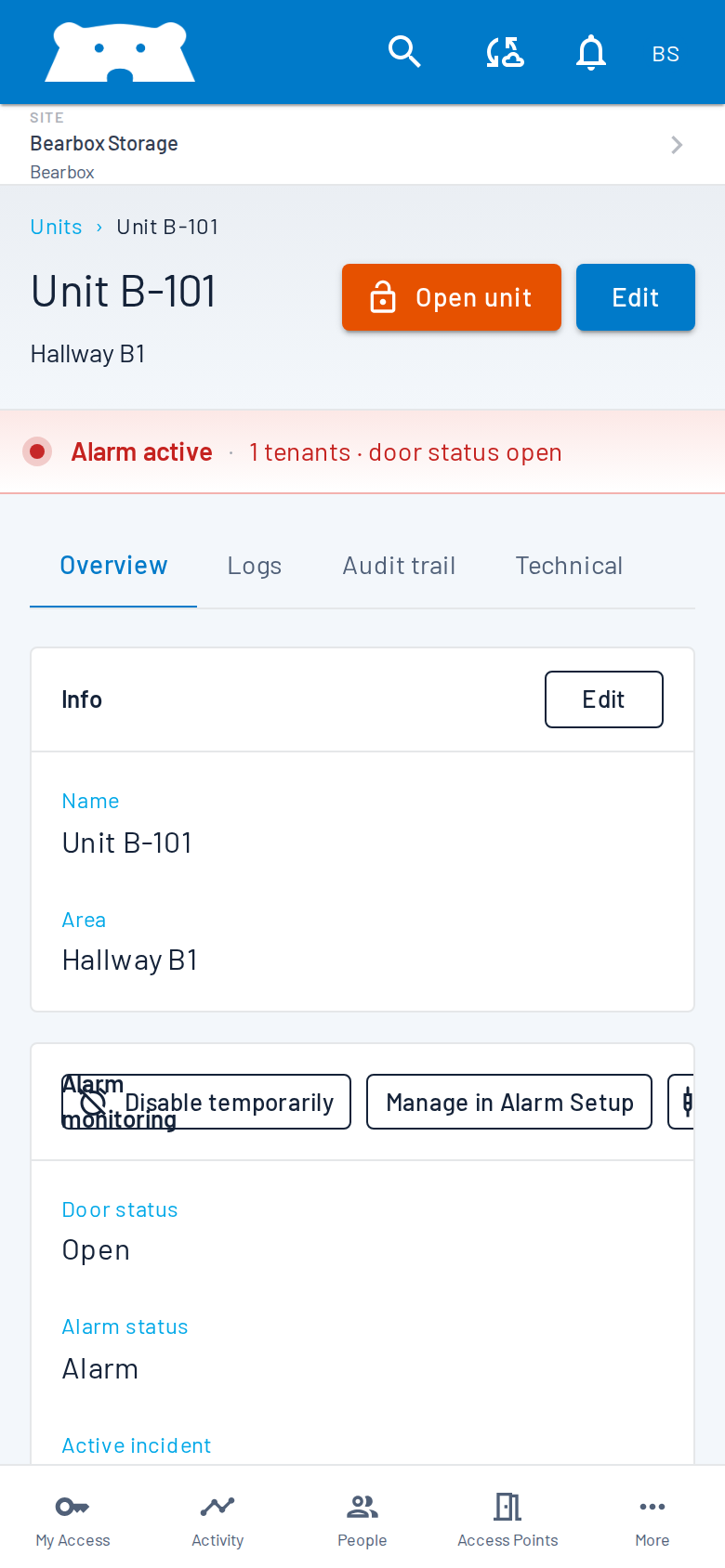
Gen2 brings the everyday work of running your site into a responsive Portal. See door and alarm activity as it happens, manage access remotely, and check the site from a phone or desktop.
What changes for your customers?
Customers can open doors from the app, use the keypad, or use both. Familiar PINs and QR codes remain options. Dynamic credentials and multi-factor authentication give you additional checks where you want them.
A familiar entrance
Keep your branding visible on customer screens and keypads, with your logo and colours.
Explore a familiar entranceAccess from their phone
Customers can open the entrances they have access to. Require nearby GPS, a PIN shown on an installed keypad, or both when those checks suit your site.
Explore access from their phoneMore control over credentials
Choose changing QR codes, Smart PIN or an authenticator app, alongside familiar fixed codes.
Explore more control over credentialsReview the hardware you already have
Moving to Gen2 does not mean starting again with your site hardware. Existing Bearbox installations can move through a software update. We review your equipment first and identify any changes needed for your site or the features you want to add.
Bring your data with you
Most Gen1 data can be migrated to Gen2. Agree which customers, units and access permissions will transfer, and how your rental software connection will be handled. Historical records need a separate review, so confirm what will be available after the move before choosing a changeover date.
Plan the move around your site
Your changeover should cover customer access as well as the software. Agree the timing, who checks the result and what customers need to know before anything changes.
Review the site together
Tell us which sites are moving, the hardware you use and the rental software you connect to. Discuss the improvements you want first.
See your Gen2 setup
Review the Portal and customer experience with your branding. Agree what your team needs to learn and which access options you want to use.
Agree the changeover
Confirm the equipment and data scope, the access arrangements during the move, and who is responsible for checks and customer communication.
Check the site and help your team settle in
Include entrances, customer permissions, units, alarms and connected rental software in the checks agreed for your site. Make sure staff know where to find help.
Start with a conversation about your existing site
You do not need a finished upgrade specification. Send us the sites you want to move, your current equipment and rental software, and anything you would like to work differently. We can use that to discuss the next steps.