
Choose phone access, readers, or both
Customers can open entrances from their phones without physical keypads or QR Solo readers. Gates, doors and unit locks still need suitable operating hardware and controls. You can also offer phone access alongside keypads and readers, giving customers a choice at the same site.
Show customers the entrances they can use
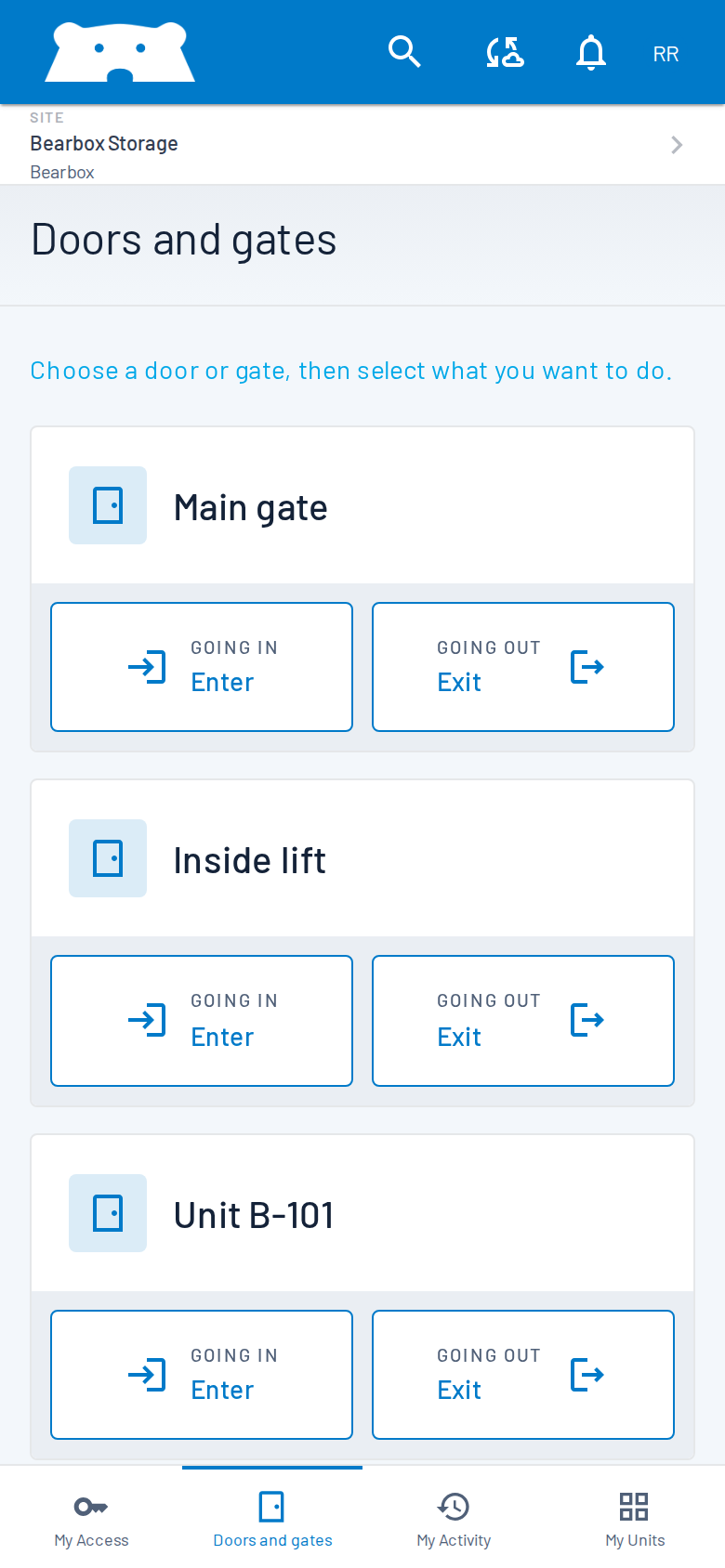
The Bearbox customer web experience shows available doors and gates. Customers use the relevant control to request entry or exit. Permissions still determine what they can use and when. Branding can make the experience feel like part of your site.
Plan for the connection at the entrance
App openings need connectivity at the site and on the customer’s phone. Test reception where people wait at the entrance, rather than from inside the office. Keypad and reader access may continue through a site internet outage using permissions already held on site; app-only access does not offer that same fallback.
Check that the customer is at the entrance
App opening can require the phone to report a nearby GPS location. At a site with a keypad, you can also require the customer to enter a PIN shown on its screen, or use both checks. Reading the on-site display adds a check beyond reported GPS. That option requires a keypad, so include one if you want to use it.
Consider the visitor without a working phone
A flat battery, poor signal or an unfamiliar browser can interrupt a visit. Decide how customers get help and how staff assess requests for remote access. For some sites, combining phone access with physical readers gives customers another practical route in. The right choice follows the people using the site.
Individual access still matters
A business customer can invite colleagues where sharing is enabled, instead of sharing an account. Each invited person uses their own profile and credentials. Your team can see which person’s credentials were used and control which areas they can access.
Try the arrival before choosing
Try the journey from the road to the unit. Test phone reception, check that entrance names are clear, and make sure customers know how to get help. If you also offer keypads or readers, try those routes too. The best choice is the one your customers can use reliably.